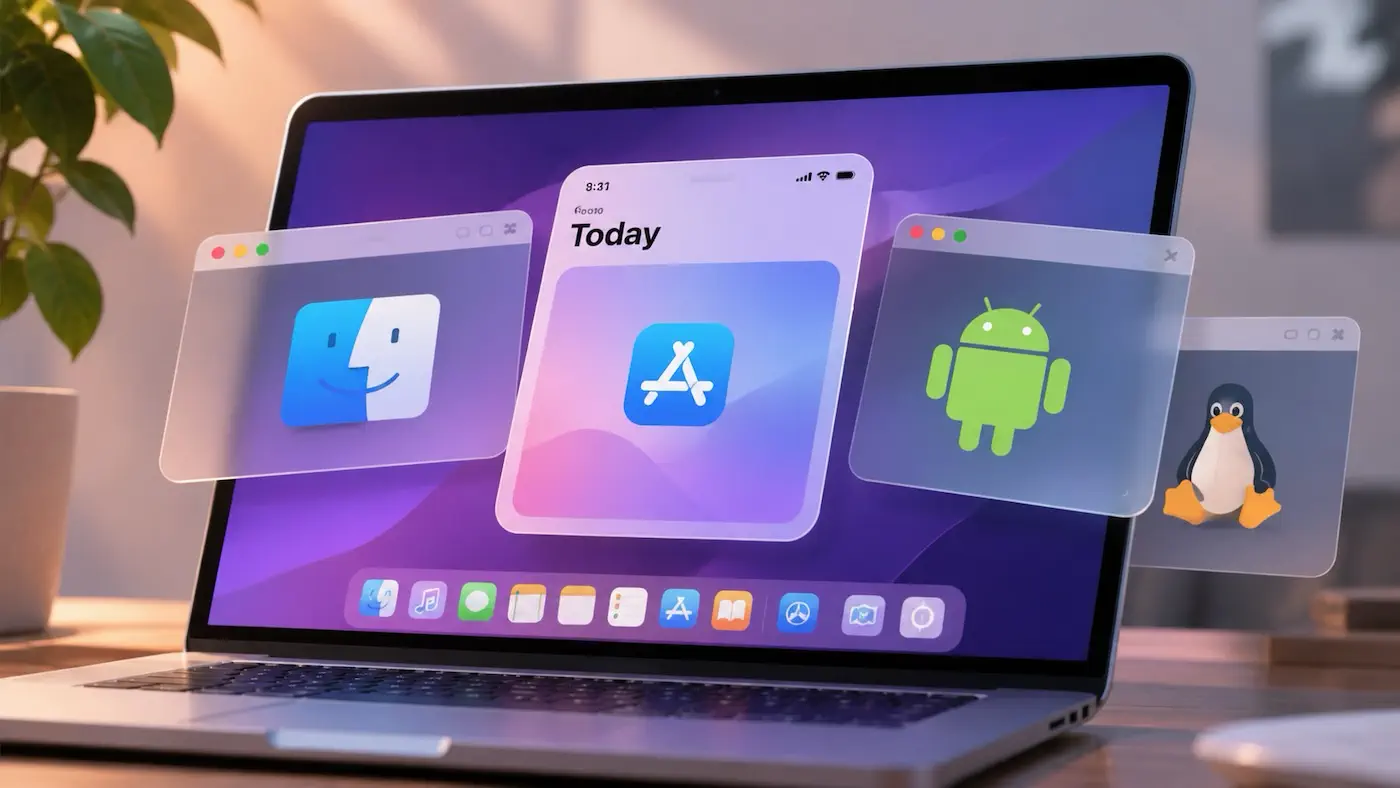
This week’s issue features three intriguing projects: Cutefish, SimRun, and Mac Android Subsystem. They take different technical approaches. One provides a runtime environment by implementing compatible APIs and frameworks, another runs apps built for a simulator directly, and the third hides an entire virtualized operating system in the background. Yet they all share the same goal: allowing apps originally built for different operating systems to coexist naturally on the same desktop.
Running apps across platforms is nothing new. From Wine to various virtual machines and emulators, developers have been working toward this goal for decades. But simply getting an app to run is no longer enough. The aim is increasingly to make users forget which platform an app originally belonged to. Independent windows, Dock integration, Spotlight, clipboard sharing, system notifications… As these capabilities come together, the underlying runtime fades into the background, and the boundaries between an app and its host operating system begin to blur.
AI is also accelerating this process. In the past, reverse-engineering system APIs, recreating framework behavior, or porting complex application runtimes required enormous amounts of time and effort. Today, Coding Agents can take on a substantial portion of the exploration, implementation, and verification work, giving individual developers and small teams opportunities to tackle projects that were previously beyond their reach. The cost of crossing these boundaries is coming down.
This raises an interesting question: if apps become less dependent on specific operating systems, how will we choose our hardware in the future? In the past, a single exclusive app or an irreplaceable software ecosystem could be enough to determine which device someone bought. But as more apps become capable of crossing platform boundaries, hardware design, performance, price, the operating system experience, and even brand loyalty or personal preference may carry more weight in purchasing decisions.
Interestingly, this doesn’t necessarily mean competition between platforms will weaken. Quite the opposite: platforms that can integrate apps from different ecosystems more naturally and reliably may gain a new kind of appeal. The focus of competition may gradually shift from “Which apps do I have exclusively?” to “What kind of experience can I offer for these apps?”
Perhaps one day, when choosing a device, we won’t have to start by asking which apps it can run. Instead, we’ll have more freedom to ask how we actually want to use it.
Recent Recommendations
Running Mac apps on Cutefish
Running Windows applications on Linux has become commonplace, but running unmodified macOS applications directly on Linux still sounds almost unbelievable. Cutefish is working toward that goal. Rather than using virtualization or instruction emulation, it has developed a compatibility layer called Reef that reimplements the Mach-O loader, Objective-C Runtime, and frameworks such as Foundation, AppKit, Core Graphics, and SwiftUI, allowing Mac applications to run directly in a Linux desktop environment. The article not only demonstrates the current state of compatibility but also openly discusses performance issues, such as rebuilding the entire view tree when local state changes and redundant drawing during scrolling.
Swift continues to expand its cross-platform capabilities, but many applications written in Swift still depend heavily on frameworks in Apple’s ecosystem, making them difficult to port directly to other platforms. Reef offers another possibility: instead of modifying existing applications, give other platforms the ability to run them.
Every iOS Haptic Pattern, With Code
iOS provides several APIs for haptic feedback, but their capabilities and intended use cases differ. Alok Singh brings together UIKit’s Feedback Generators, SwiftUI’s .sensoryFeedback, and Core Haptics, with code examples covering system-provided feedback, custom haptic patterns, dynamic parameters, and AHAP files.
Since haptic feedback cannot be experienced in the Simulator, Alok also developed Haptics Explorer, allowing developers to compare different haptic patterns directly on an iPhone and obtain the corresponding Swift code.
macOS/iOS Audio Ducking and Smooth Mixing: AVFoundation Pipelines and Concurrency Pitfalls
When background music and voice narration need to play simultaneously, simply adjusting the music volume when speech starts and stops can lead to abrupt changes, or even a repeated “pumping effect” during natural pauses in speech. Snow Wu explains how asymmetric volume fades can quickly lower the background music and restore it more gradually, while Generation Tokens and delay windows help prevent frequent volume changes caused by natural pauses. More valuable than the code itself is the design approach: changes in audio state should align with human auditory perception, while asynchronous events need to be coordinated before they can produce a stable playback state.
A Dismantled NSHostingView Can Still Create Its View Again
When combining SwiftUI and AppKit, does calling dismantleNSView on an NSViewRepresentable guarantee that its internal views will never be created again? Wang Wei (Onevcat) discovered a counterintuitive behavior: even after the outer Representable has entered the dismantling process, a nested NSHostingView may still invoke its child view’s makeNSView during a subsequent layout transaction. As a result, a terminal Surface that had already been transferred to the Canvas was reclaimed by an invisible host.
The article documents the entire investigation, from bisecting versions and uncovering a subtle connection between an .overlay badge and the issue’s reproducibility, to building a minimal reproduction and confirming the nested Hosting View lifecycle problem. Ultimately, the author not only explicitly removed the inner NSHostingView in dismantleNSView, but also improved the ownership rules for the shared Surface so it could be recovered from a host that was no longer visible.
Another valuable aspect of this article is how it demonstrates an effective way to use AI Agents for complex debugging tasks. Rather than merely modifying code, the Agent builds a chain of evidence through repeated experiments, while the developer asks why at critical moments, avoiding the temptation to end the investigation as soon as the symptoms disappear.
How I built Live Voice: one tool contract, six realtime voice providers
Integrating real-time voice AI into an application involves more than handling audio streams and model responses. Another challenge is allowing the model to interact with the application safely and reliably. Apoorv Darshan shares his experience building Live Voice for his open-source app Fud AI (built with SwiftUI on iOS and Compose on Android). By defining 25 application actions through a unified JSON tool contract, he ensures that iOS, Android, and a Cloudflare Worker follow the same interface, while separate adapters handle differences in audio formats, tool calls, and visual input across services such as Gemini Live, OpenAI Realtime, xAI, and Qwen.
Apoorv categorizes tools into read, navigation, write, and destructive operations. Writes come with an eight-second Undo window, while destructive operations require user confirmation. By default, ordinary writes also require confirmation.
Why Tuist should build the harness on top of compute
Just a few months ago, Tuist co-founder Pedro Piñera expressed reservations about the trend toward fully remote development in The remote development mirage. But after spending more time with Amp, he began reconsidering that position. As Coding Agents become capable of independently completing more coding tasks, developers may no longer need to sit in front of a computer and work directly in an editor. Mobile devices, voice interfaces, and even Live Activities could become new entry points for development.
In this article, Pedro argues that as compute becomes increasingly commoditized, Tuist should build its competitive differentiation around the coding harness and developer experience layered on top of it. In his earlier article, The automation graph agents need, he explored how Agents could determine subsequent testing and verification tasks based on code changes. Now, he wants to combine those capabilities with remote compute resources, moving development tools from passively executing commands toward proactively understanding projects, organizing tasks, and verifying results.
When code editing is no longer the center of software development, do we really need a smarter IDE, or an entirely new development environment?
My Claude Code loads 39.6k tokens before I type anything — here’s where they go
Where does Claude Code’s context overhead come from? The /context all command lets you inspect the initial context usage before entering a single prompt. Beyond system prompts and tool definitions, CLAUDE.md, Rules, Skills, and custom Agents can also account for a substantial portion of that context, while MCP tools that use deferred loading are not included in the initial usage.
Hao Liu explains how to use /skill-doctor and /doctor prompt-audit to identify rarely used Skills, duplicate rules, and outdated instructions. He also suggests improvements such as loading rules based on file paths and trimming CLAUDE.md. The author reminds readers that context usage is not the same as the actual cost of each request, since Prompt Caching can reduce the cost of repeated content. Rather than simplifying configurations based on assumptions, it is better to measure your own environment first and then decide what is truly worth removing.
Tools
SimRun: Run iOS Apps in Independent Mac Windows
Developed by Cyandev, SimRun is an intriguing open-source experimental project. Without launching a complete simulated device or adding Mac Catalyst support to an application, users can run iOS apps built by Xcode for the iOS Simulator directly in independent macOS windows. For developers who frequently iterate on SwiftUI and UIKit interfaces, this offers another way to assist with development.
The project also provides a command-line interface, screenshots, view hierarchy inspection, and an experimental JavaScript automation API. It supports running applications without displaying a window, making it easier to write inspection scripts or let AI Coding Agents interact with applications. Note that SimRun requires an Apple Silicon Mac, Xcode, and the Simulator runtime, and that System Integrity Protection (SIP) must be disabled.
Mac Android Subsystem: Bringing Android Apps to the Mac Desktop
Somewhat similar to the project above, Mac Android Subsystem (MAS), developed by Harkhowalia, aims to give Android apps an experience closer to native Mac applications. Users can install an APK by double-clicking it, and each app gets its own window and Dock icon. Apps can be found through Spotlight, switched to with ⌘-Tab, and integrated with Notification Center and a bidirectional clipboard.
MAS does not run Android applications directly. Instead, it uses LineageOS, QEMU, and Apple’s Hypervisor Framework to run a complete Android environment in the background, then uses scrcpy to display individual applications in separate Mac windows. The project is still in an early pre-release stage, requires an Apple Silicon Mac running macOS 15 or later, and does not include the Google Play Store or Google services.