The Case of the Rapidly Disappearing Disk Space
Contents
- This Week’s Sponsor
- Recent Recommendations
- Interesting Ways of Using Swift Optionals
- SwiftUI Performance: Find Redraws in Xcode Instruments
- iOS 27: Now Playing Framework
- Positioning SwiftUI Views Around the Fold on iPhone Duo
- SwiftUI Text Interpolation Beyond Plain Strings
- The Best API Change Is the One Nobody Notices
- Run Multiple Claude Code Agents on the Same Xcode Project
- Applying for an ICP Filing Exemption for Apps on China’s App Store
- Tools
My MacBook contains almost nothing but development tools and related data, and I’ve long maintained at least 500–600 GB of free space. For quite some time, I assumed its internal storage was more than sufficient. But coding agents have changed that. Last week, I found myself in the rather embarrassing situation of having my disk space rapidly exhausted—not once, but twice.
The first incident was caused by an agent continuously generating large amounts of data during development, while the directories involved were still included in Time Machine backups. As files were repeatedly created, modified, and deleted, the data blocks retained by local snapshots kept accumulating, eventually consuming a substantial amount of disk space. The problem wasn’t resolved until I excluded those directories from backups and cleared the existing local snapshots.
The second incident came down to a cleanup bug in a test script written by the agent itself. The script called mkdtempSync to create temporary directories but never included any corresponding cleanup operation. Every time the QA workflow ran, it unpacked an entire 5.7 GB Design repository into a new directory. As the tests ran repeatedly, enormous amounts of junk data quickly piled up on my disk.
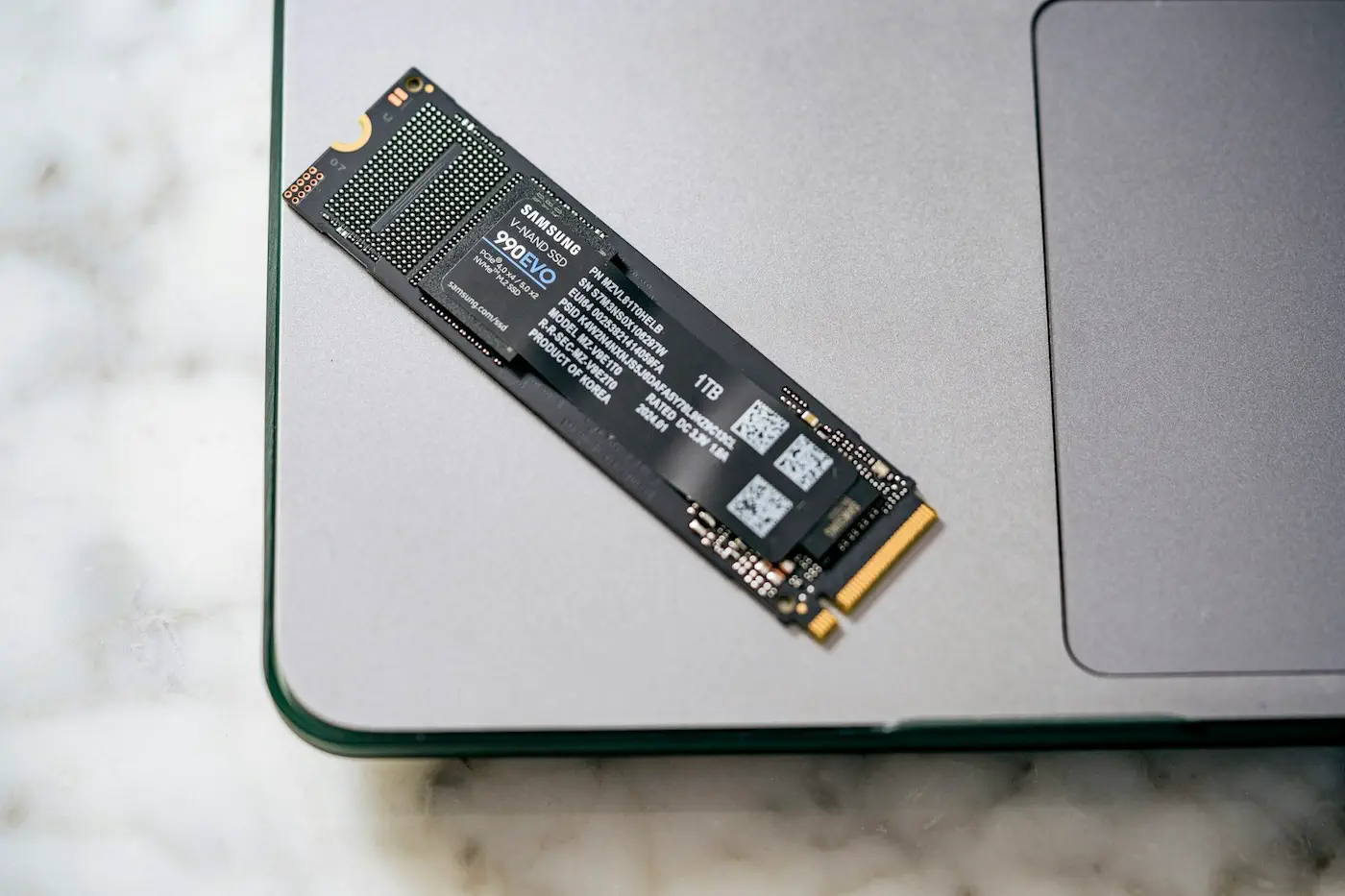
Ironically, both problems were ultimately resolved with the help of an agent, even though agents had caused them in the first place. Compared with the relatively linear pace of human developers, agents tend to push development forward in a much more aggressive and parallelized manner. As a result, disk storage is becoming another significant bottleneck in this new workflow, alongside CPU and RAM. And Apple’s notoriously expensive storage upgrades certainly don’t help. I suspect quite a few developers shopping for a new Mac capable of handling today’s development workloads have found themselves wincing at the final price tag.
The AI “boom” has driven sharp increases in memory and flash storage prices over a short period, while new development workflows are simultaneously pushing developers toward ever more powerful hardware. The whole situation feels like a peculiar kind of arms race.
But rather than simply spending more money on larger SSDs, perhaps what we really need is to adapt more quickly to this shift in how we work: establish clearer, stricter boundaries for our agents’ execution environments, along with reliable resource management and cleanup practices. Otherwise, no amount of storage will be enough to withstand an agent’s unchecked, brute-force consumption.
This Week’s Sponsor
Arborist —— Git worktrees, made easy
A native Mac app that runs your Make, mise, npm, and just tasks on any branch, shows its pull request, and resumes Claude Code, Codex, or Copilot chats where they happened. New in 1.4: spot stale worktrees and clear them out in one step. 14-day free trial, then $39 once.
Recent Recommendations
Interesting Ways of Using Swift Optionals
Optional is one of Swift’s most fundamental, frequently used, and distinctive types. Swift provides a rich set of APIs and syntactic conveniences for working with it. But beyond if let, guard let, and optional chaining, there’s still plenty worth exploring. John Sundell introduces several interesting and less common techniques: using take() to combine two operations, extracting the wrapped value while resetting the variable to nil; switching over an optional enum to handle nil alongside its various cases; building chains of data transformations with map and flatMap; and extending Optional with generic constraints and KeyPaths to encapsulate reusable conditional logic.
When I first started learning Swift, I was constantly amazed by all the little tricks Optional had to offer. Perhaps you don’t write much code by hand anymore, but these techniques can still remind you of what makes the Swift language itself so appealing.
SwiftUI Performance: Find Redraws in Xcode Instruments
Antoine van der Lee uses a SwiftUI app with deliberately introduced performance issues to demonstrate how to identify bottlenecks using the SwiftUI template in Xcode Instruments. He shows how to locate views with high cumulative execution time in the View Body Updates hierarchy, examine the duration and Root Causes of individual body evaluations in the details table, and use the causal graph to trace the relationship between state changes and view updates.
Antoine reminds readers that analyzing SwiftUI performance requires looking beyond the execution time of a single body evaluation. Update frequency and the underlying triggers must also be considered to accurately identify the source of a problem.
iOS 27: Now Playing Framework
For years, iOS has spread media metadata, playback state, and remote control capabilities across multiple APIs. The new Now Playing framework in iOS 27 brings these capabilities together under a unified media session model. Anton Gubarenko demonstrates how to describe media content with MediaSessionRepresentable, provide playback state snapshots through MediaPlaybackSnapshot, and declare the playback operations available to the system using MediaCommand.
Beyond simplifying system integration for local media playback, the framework also supports Remote Media Sessions. With App Extensions and push notifications, apps can display the playback state of external speakers, TVs, and other devices on the Lock Screen and in Control Center, and respond to user controls even when the main app isn’t running.
Positioning SwiftUI Views Around the Fold on iPhone Duo
When adapting an app for iPhone Duo, keeping views looking natural and stable as the device folds and unfolds presents a new challenge. Natalia Panferova explores an important idea: adaptation isn’t just about avoiding hardware constraints; it’s also about maintaining visual continuity as the device changes shape.
Natalia explains how to use the .includeInactive option of GeometryProxy.reservedRegions(kind:options:) to obtain information about fold regions that aren’t currently active, allowing layouts to prepare for the folded state in advance. By determining the grid’s column count ahead of time and dynamically adjusting column widths and spacing during folding, content can remain distributed on both sides of the crease without large shifts caused by changes in column count.
SwiftUI Text Interpolation Beyond Plain Strings
Although Text("Hello, \(name)") looks similar to ordinary String interpolation, it actually relies on a set of specialized interpolation methods provided by LocalizedStringKey. These methods can handle more than strings: they also support numbers, dates, Text, Image, and other types, formatting content according to regional language and formatting conventions.
Stewart Lynch explores several techniques for Text interpolation: formatting currencies, percentages, and dates with FormatStyle; creating automatically updating relative times and countdowns with style: and timerInterval:; embedding differently styled Text values or SF Symbols within a single sentence; and using AttributedString when text styling needs to be determined at runtime. Compared with concatenating multiple Text values, interpolation also preserves the complete localizable sentence, allowing translators to rearrange content according to the conventions of each language rather than being constrained by the original concatenation order. This is also an important reason why the Text concatenation operator (+) was deprecated starting in iOS 26.
The Best API Change Is the One Nobody Notices
Adding new capabilities to a Swift framework can break compatibility when it involves introducing generic parameters or changing protocol requirements, potentially forcing existing users to migrate their code. Michael Long uses the addition of scene-scoped custom container support to the Factory dependency injection framework to demonstrate how internal design changes can extend functionality while leaving the public API largely unchanged. To avoid modifying the generic signatures of existing property wrappers, he moves the differences between container types out of the type system and into the data layer, using a single Environment Key and an ObjectIdentifier-based registry to manage multiple container instances. When no corresponding scene container is found, the implementation falls back to the original shared instance.
The article also explains how computed properties can preserve the existing Environment API, and how DynamicProperty.update() allows @InjectedContainer to access scene-specific containers within SwiftUI views while maintaining its original behavior in ordinary classes.
Michael’s approach raises an important question for framework authors: adding new capabilities doesn’t necessarily have to come at the cost of breaking API changes. The key is finding the right internal abstraction boundaries and balancing type safety, backward compatibility, SwiftUI’s environment mechanisms, and API simplicity.
Run Multiple Claude Code Agents on the Same Xcode Project
Having multiple agents work on the same Xcode project in parallel is becoming increasingly common. But isolating source code with Git worktrees doesn’t mean the build and testing environments are isolated as well. For example, two agents might both report successful builds, yet because they share the same Simulator, the app installed by the second agent overwrites the first. An agent could then unknowingly run and verify an app built by another agent, undermining the reliability of its test results.
Amarildo Lucas analyzes the causes of this problem and discusses how separate DerivedData directories, Simulators, and build configurations can reduce interference between parallel agents. Amarildo reminds developers that multi-agent collaboration requires isolating more than code: build artifacts, runtime environments, and verification processes must also be kept separate.
Applying for an ICP Filing Exemption for Apps on China’s App Store
For developers hoping to distribute their apps through the App Store in mainland China, ICP filing requirements can be a significant hurdle, particularly for overseas indie developers who lack servers in mainland China or the infrastructure needed for filing. However, Apple offers an exemption application process for apps that primarily run locally and don’t depend on self-hosted servers.
Junyu Fang shares his complete experience applying for an ICP filing exemption. The process involved submitting a request through the Apple Developer contact page, preparing a declaration letter containing developer information, the App ID, and the required statements, uploading the PDF documentation, and ultimately receiving approval—all within approximately six days. The article also provides a declaration letter template and step-by-step instructions. Of course, this exemption isn’t automatically available to every offline app. Apple’s approval applies only to the specific app covered by the request and does not exempt developers from other applicable legal and regulatory requirements.
Tools
SwiftyDMG: A Native SwiftUI App for Creating DMG Images
For developers distributing apps outside the Mac App Store, creating a well-designed DMG is another detail worth polishing before release. Chocoford brings this workflow into a native SwiftUI interface with SwiftyDMG. Simply drag in an .app file, then use the live preview to adjust the positions of the app icon and Applications folder shortcut, configure the window size, customize the background and disk icon, and generate the installation image. It also provides a Finder context menu service and detailed build logs for quick packaging and troubleshooting.
PreviewMD: Quick Look and Markdown Reader for macOS
Markdown has become one of the primary formats for developer documentation, yet macOS Quick Look still lacks built-in support for fully rendered Markdown previews. Adam Jesionkiewicz fills this gap with PreviewMD: select a file in Finder and press the Space bar to preview rendered headings, tables, task lists, code, and local images. It also includes a standalone reader that can open existing folders, browse documents, render Mermaid diagrams, follow Obsidian bidirectional links, and switch between preview, split, and editing modes.
szt: An Ultra-Fast Disk Usage Analyzer Written in Swift
Tommi Urtti developed szt (sizetree), an open-source command-line tool written in Swift that quickly scans directories and displays disk usage as a colorful tree. It prioritizes expanding directories that consume the most space while collapsing less significant entries, helping developers quickly identify where their storage is going.
Another highlight of szt is its performance. It uses macOS’s getattrlistbulk to retrieve file metadata in batches and scans directories in parallel using multiple threads. In the author’s benchmark, scanning a directory containing 667,000 files totaling 123 GB took just 2.4 seconds, compared with approximately 17 seconds for the traditional du command. When I encountered an unusually rapid loss of free disk space last week, szt helped me speed up the investigation.