
Most iOS users have recently encountered news about two serious security threats: Coruna and DarkSword. Both exploit chains rely on watering hole attacks — no user interaction required. Simply visiting a legitimate website embedded with a malicious iframe, or loading a compromised advertisement in Safari, is enough to trigger the full attack chain. Once data is exfiltrated, the malware cleans up its own traces automatically. Because the vulnerabilities exploited span the vast majority of iOS versions from iOS 13 through iOS 18.7, hundreds of millions of devices have been affected to date.
Coruna primarily targets devices running iOS 13 through iOS 17. Apple has pushed multiple security updates to these systems over the past several months. DarkSword, meanwhile, targets iOS 18.4 through 18.7 — devices that are all perfectly capable of running iOS 26, yet for various reasons, a significant number of iOS 18 users have chosen to stay put.
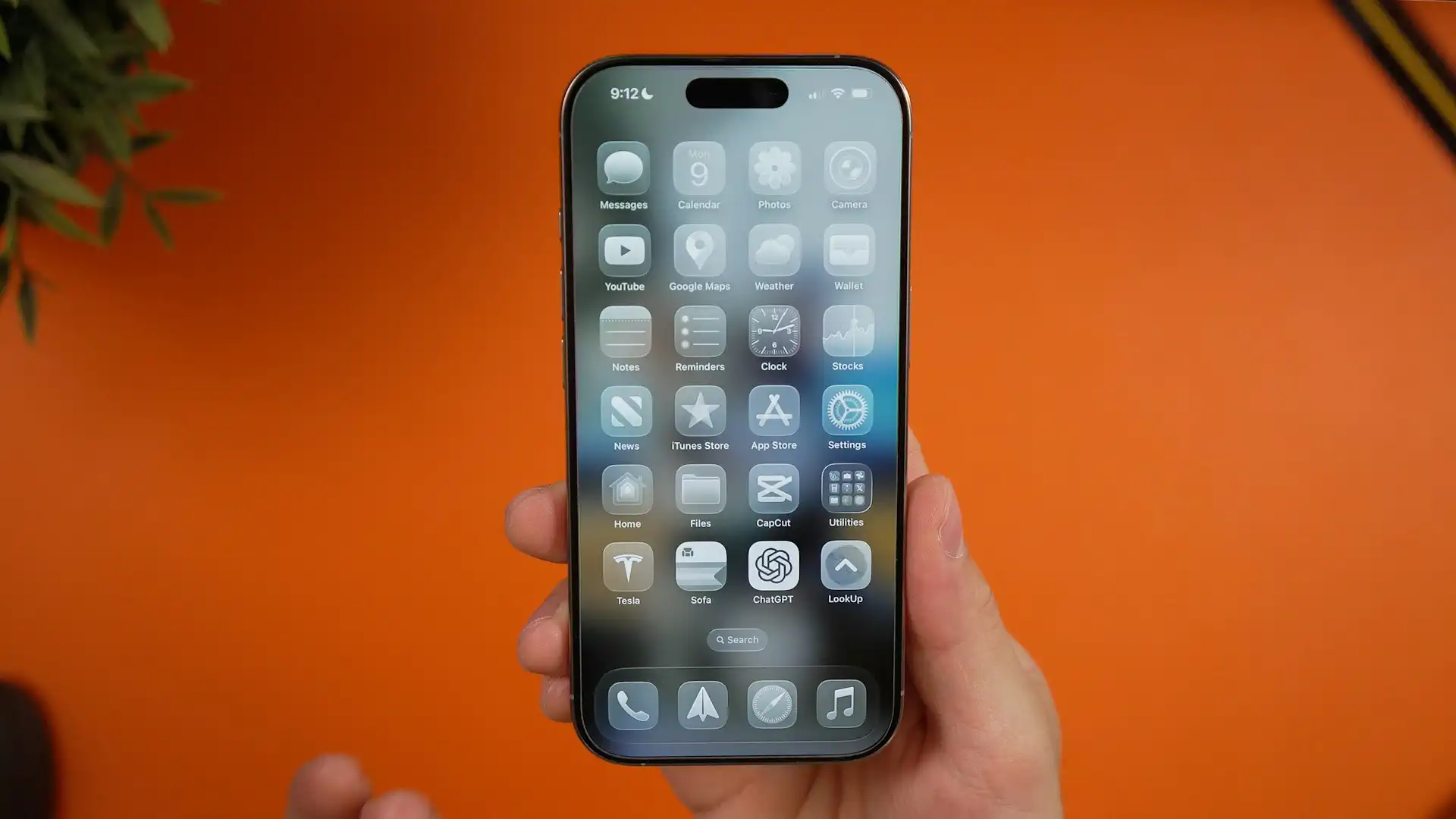
For a long time, iOS users were notably eager to update — one of the defining characteristics of the Apple ecosystem. That changed last year. The sweeping visual overhaul introduced by Liquid Glass prompted an unprecedented wave of deliberate refusals to upgrade to iOS 26, something Apple had never seen at this scale before. Compounding the problem, Apple introduced a mandatory age verification system in iOS 26.4 for UK users, in compliance with the Online Safety Act. The verification requirements proved strict enough that many adults found themselves forcibly locked into a “child mode,” fueling a separate wave of UK users choosing to remain on iOS 18 or iOS 26.3. In both cases, the decision to avoid updating meant forgoing all subsequent security patches — leaving devices increasingly exposed.
Faced with this situation, Apple came under significant public pressure and reputational risk. The turning point came in late March, when DarkSword’s complete exploit code was leaked to GitHub, effectively democratizing what had been a nation-state-level hacking tool and forcing Apple’s hand. Apple ultimately took the rare step of releasing a dedicated security patch for iOS 18 — iOS 18.7.7 — backporting the same protections already present in iOS 26 to the older system. With that, Apple completed its official security response to this wave of critical vulnerabilities.
Both Apple and developers across the ecosystem generally want users to stay current with system updates — it reduces the burden of maintaining compatibility across multiple versions and lets users benefit from new APIs sooner. The reality, though, is that a portion of users will always choose to lock their devices to a particular version, whether for performance, battery life, habit, or privacy reasons.
This episode may leave two lasting marks. On one side, Apple — under pressure — broke from a long-held update policy and made a concession to users who had deliberately chosen to stay on older software. On the other, the widespread attention the attacks received may nudge more users to reconsider the “update only when necessary” mindset and return to a more proactive stance toward system updates. That shift in both directions might just be the unexpected upside of an otherwise alarming security event.
Recent Recommendations
Animatable in SwiftUI Explained - Complete Guide with Examples & Deep Dive
There is no shortage of articles exploring SwiftUI’s animation system, yet this piece by Sagar Unagar offers a particularly insightful perspective. Rather than starting from implicit or explicit animations, it builds a systematic understanding around the Animatable protocol: from the role of animatableData, to how AnimatablePair carries multiple interpolated values, and finally to enabling more complex data structures to participate in animations via custom VectorArithmetic.
The most valuable takeaway is its core viewpoint: SwiftUI is not animating views directly—it is animating data.
Localization in Swift Packages
Xcode can automatically generate type-safe Swift symbols for .xcstrings files, but these symbols are only visible within the module that owns the resources. Once localization is extracted into a standalone Localization package, other feature modules lose the benefit of compile-time checks.
Khan Winter proposes a straightforward solution: use a bash script to parse the JSON structure of .xcstrings and generate a public extension LocalizedStringResource, allowing all modules to access keys via .l10n.helloWorld.
One particularly noteworthy detail is the use of @dynamicMemberLookup in Debug builds—missing keys log warnings instead of crashing, while Release builds retain full compile-time validation. Compared to approaches based on Swift executables, this solution is lightweight and easy to adopt—just copy the script.
SwiftUI Coordinator Pattern: Navigation Without NavigationLink
Although SwiftUI continues to evolve its state-driven navigation APIs, managing global navigation remains a persistent challenge. Wesley Matlock demonstrates a Coordinator-based approach using a five-tab music collection app as an example.
The idea is to extract navigation decisions from views: define all destinations in a Route enum, let a single Coordinator own navigation state and perform transitions, and have views simply declare “where to go” without caring about “how to get there.”
The article does not shy away from real-world tradeoffs, such as the opacity of NavigationPath and the complications of making route-carrying model objects conform to Hashable. For most mid-sized SwiftUI applications, this is a pragmatic and implementable approach to regaining control over navigation.
Teach your AI to write Swift the Hacking with Swift way
Paul Hudson and his Hacking with Swift have helped many developers get started with Swift and SwiftUI. In the age of AI, Paul is not only releasing specialized skills for Apple platform development, but also experimenting with injecting his personal coding style into AI collaboration.
In this article, he shares a highly distinctive (and characteristically humorous) AGENTS.md configuration. These rules go beyond technical choices—they embed Paul’s personality into the AI: prioritize showing results before explanations, favor clarity over cleverness, and even encourage a well-timed “Boom!” when code turns out particularly satisfying.
Rather than a simple system prompt, this feels more like defining a coding philosophy for AI. In a sense, it pushes code generation beyond mechanical output toward something closer to style transfer.
The Principles and Practices of AI Agents
At the recent Let’s Vision 2026, Wang Wei (Onevcat) delivered a talk on applying AI agents within large development teams. The focus was not on specific tools, but on how development workflows should evolve when the cost of code generation drops dramatically—and how the role of engineers should be redefined.
As a member of the LINE development team, Onevcat’s own work has already shifted in recent months. In his words, he is transitioning from a traditional iOS engineer to someone exploring how AI can support large-scale product development. This perspective gives the talk a depth that goes beyond typical tool introductions.
The talk revolves around three key questions: how to control context pollution, how to turn individual experience into reusable team-level memory and skills, and how to evolve collaboration from “humans directing multiple agents” toward more automated workflows. It includes many practical suggestions, such as keeping AGENTS.md concise, providing architectural lookup scripts, encouraging multiple harnesses (Claude Code, Codex, OpenCode) to coexist, and integrating agents into workflows via webhooks, cron jobs, pipelines, and automated validation.
The presentation repository includes not only the Slidev source but also supporting materials such as raw research and full AI collaboration traces—well worth exploring.
From Zero: The Complete Guide to Building a Native iOS App with AI
I often see “non-developers” on social media building products entirely with AI. Even after using AI tools for quite some time, I still find myself wondering: is this path really as effective as it seems?
Zachary Zhang shares a full end-to-end journey of building and shipping a native iOS app (SwiftUI + Cloudflare backend) entirely with AI. What stands out most is his disciplined engineering pipeline: before generating any code, he first produces a structured PRD and HTML-based visual references. For tooling, he strongly recommends terminal-based tools like Claude Code during the “0 to 1” phase, as they provide better visibility and control when constructing a multi-file project architecture.
You might share the same skepticism about fully AI-driven development. But as code generation becomes increasingly cheap, the true leverage of developers is shifting toward precise requirement decomposition, architectural control, and the ability to orchestrate systems in response to errors.
Tools
Slots: A Macro for Improving Custom SwiftUI Component Design
Composing multiple views into reusable components is a common need in SwiftUI—especially for teams and library authors. However, once a component introduces multiple generic slots (title, icon, image, action, etc.), initializer combinations can quickly explode.
The Slots macro by Kyle Bashour addresses this problem by generating initializer combinations automatically based on declared slot properties, eliminating the need to manually write numerous init overloads. For text-friendly slots, @Slot(.text) can also generate LocalizedStringKey and String variants automatically.
Slots is particularly well-suited for building design system components such as Card, Row, Banner, and Toolbar—where both ease of use and flexibility are required.
Explore SwiftUI: A Visual Reference for Native Components and Modifiers
Although Apple’s documentation has improved over the years, SwiftUI—being declarative and visually driven—still lacks intuitive side-by-side mappings between code and UI results, especially across platforms like iOS, macOS, and visionOS.
As a result, developers often resort to complex third-party libraries or verbose custom views for UI details that SwiftUI might already support natively.
Florian created Explore SwiftUI as a “visual dictionary” to address this gap. It focuses entirely on native components, with no third-party abstractions. Code examples are stripped of unrelated logic and paired with high-quality previews—allowing developers to simply copy, paste, and run.
Book
SwiftUI Architecture: Patterns and Practices for Building Scalable Applications
This is a recently published book by Mohammad Azam. It is not an introductory guide to VStack or animations, but a deep dive into SwiftUI architecture, data flow, and modern engineering practices.
The book addresses real production challenges, such as building global Sheets and Toasts, designing decoupled multi-tab routing with NavigationPath, and implementing elegant form validation using property wrappers. Importantly, it does not enforce a rigid architectural pattern, but instead helps you develop a true declarative mindset.
Some might wonder whether architecture-focused books still matter in the age of AI-assisted coding. As Azam puts it: AI makes code generation cheap—but precisely because of that, system design (clear boundaries and ownership of state) becomes more important than ever.