
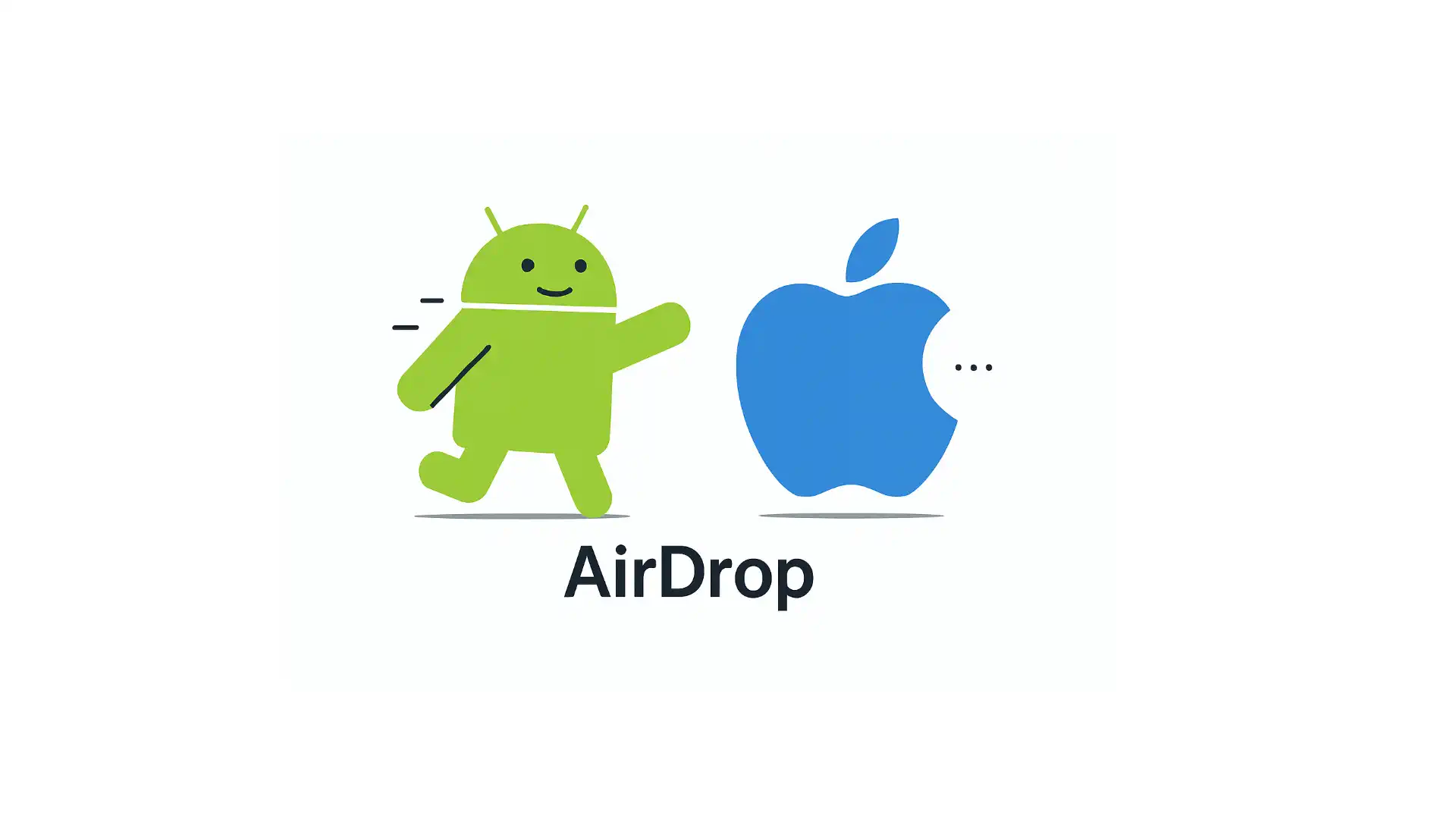
AirDrop has long enabled fast, lossless, cable-free transfers across Apple devices, forming a signature and tightly guarded advantage within the Apple ecosystem. But this long-standing situation has taken an unexpected turn. A few days ago, Google announced that the Pixel 10 can now interoperate with AirDrop without Apple’s involvement, bringing AirDrop-compatible wireless sharing to Android through Quick Share.
Shortly after, Qualcomm stated that Snapdragon-powered Android devices will “soon” support the same capability. In other words, this is no longer a Pixel-only experiment—it may spread quickly across the broader Android landscape.
Beyond Google’s technical effort, the decisive catalyst behind this breakthrough is likely the EU’s Digital Markets Act (DMA). AirDrop is built on AWDL (Apple Wireless Direct Link), a protocol that remains entirely private. However, under DMA’s interoperability requirements, Apple added support for Wi-Fi Aware starting in iOS 26. This dramatically lowered the barrier for this “forced compatibility”: Android phones can now broadcast standard Wi-Fi Aware signals to discover iPhones. And because this relies on an official industry standard, discovery is fast, connections are stable, and Apple has very limited grounds—legally or technically—to block it.
Over the years, the Android ecosystem has repeatedly initiated “pro-Apple compatibility”: from cross-platform file-transfer apps, to manufacturers adding support for Apple’s Live Photo format, and now to system-level near-field sharing. On one hand, this reflects the fact that many of Apple’s user experiences are genuinely superior; on the other hand, it shows how far Android manufacturers are willing to go to attract users embedded in the Apple ecosystem—actively aligning their experience with Apple’s. DMA, often criticized as overly strict, has in this case served as a perfectly timed catalyst, nudging Apple toward greater “openness” and enabling more seamless cross-platform experiences for consumers.
For Apple, however, the real challenge goes beyond regulatory battles. To maintain its ecosystem advantage, it must continue delivering new, compelling experiences. If one day such “forced compatibility” is no longer needed—because Apple’s distinctiveness has faded—that would be the scenario Apple fears far more than today’s developments.
Recent Recommendations
From iOS to Android: A Candid Look at My Real-World Journey into Dual-Platform Development
For many developers in the Apple ecosystem, Android feels both familiar and distant: massive user base yet fragmented ecosystem; significant revenue potential yet uncertain investment returns. This ambivalence keeps many hesitating over whether to develop an Android version. Senior iOS developer Shudao Wang has pursued a “dual-platform parallel” strategy for years. In this article, he shares real-world experiences from dual-platform development: how to align features across platforms, trade-offs when facing system differences, variations in operational performance, and changes in revenue structure.
Skip Framework: A Cross-Platform Journey for Native iOS Developer
Maxim Ermolaev shares his practical experience migrating a SwiftUI app to Android, revealing Skip’s real-world capabilities and boundaries. For SwiftUI features Skip already supports, the migration process is relatively smooth. For advanced features not yet covered, the author uses ComposeView to embed Jetpack Compose code directly within the same Swift file, providing customized implementations for the Android side. Maxim’s conclusion is pragmatic: Skip is sufficient for iOS-first teams to quickly obtain a “functional and consistent” Android client. However, achieving pixel-perfect visual and interaction parity across both platforms requires more platform-specific work on the Android side, or using Skip Lite to share business logic while keeping the UI fully native.
As the Swift Android SDK matures and tools like Skip continue to improve, Swift’s possibilities in the Android world are rapidly transitioning from “experimental” to “production-ready.” These two authors present the current real-world path from different perspectives, providing valuable reference for Swift developers considering “crossing to the other side.”
Building Mac Farm: Running 2000+ iOS Pipelines Daily
In this article, Yusuf Özgül details how the Trendyol team built a macOS Farm consisting of 130 devices from scratch to comfortably support over 2000 iOS pipelines daily. The entire system uses a self-developed VM management system based on Apple Virtualization Framework, solves secure auto-login for batch devices through Authorization Plug-ins, identifies and fixes performance bottlenecks in VM’s P/E Core recognition, and builds a Grafana monitoring and alerting system to achieve a self-healing Runner cluster. For pipelines, performance is further enhanced through Tuist Cache (approximately 70% faster builds) and selective testing (approximately 80% faster tests).
A rare comprehensive case study of macOS Farm implementation: from virtualization architecture to performance tuning, from logging and monitoring to pipeline design, covering nearly all key aspects needed for enterprise-level iOS CI/CD.
Building iOS and Mac apps in Zed: SwiftUI Previews
While developers can now develop and debug iOS apps in Zed, they still cannot access Xcode’s killer feature: Preview. The typical workaround is to keep an Xcode preview window open alongside Zed, but Xcode doesn’t automatically jump to the corresponding Preview when switching between SwiftUI files. Adrian Ross shares a clever trick: using a script combined with Zed Task to synchronize Xcode with Zed’s editing view, automatically displaying the corresponding Preview in an external preview window, essentially replicating the “using Preview in Zed” experience.
This approach isn’t limited to Zed—any macOS editor can use similar methods to work seamlessly with Xcode’s Preview functionality.
Enabling Selection, Double-Click and Context Menus in SwiftUI List Rows on macOS
macOS’s SwiftUI List differs significantly from iOS in desktop-specific interactions like row selection, double-click, and context menus. Developers need to use a List initializer with a selection parameter to enable selection functionality, and use the contextMenu(forSelectionType:menu:primaryAction:) modifier to implement both double-click operations and context menus. Compared to iOS, macOS’s List is closer to AppKit’s table-style interaction model. In this article, Gabriel Theodoropoulos demonstrates with concise examples how to properly combine these APIs to implement standard desktop interactions in macOS SwiftUI lists.
Using Associated Domains Alternate Mode during Development
When developing features involving Associated Domains (such as Universal Links, Shared Web Credentials, or App Clips), iOS by default fetches the apple-app-site-association (AASA) file through Apple’s CDN rather than directly from the server. While this works well in production, it causes inconvenience during development: file changes require waiting for CDN propagation, and local or staging servers may not be publicly accessible at all. Natascha Fadeeva introduces Apple’s Alternate Mode: by adding suffixes like ?mode=developer to Associated Domains entries, iOS bypasses the CDN and fetches the AASA file directly from the server. With this mechanism, developers can make configurations take effect immediately and debug in local environments without waiting for CDN cache refresh, significantly improving development efficiency.
Understanding Data Races: A Visual Guide for Swift Developers
Data races are a core concept in concurrent programming that’s difficult to understand. Krishna uses a series of illustrations—several ToddlerBots (toddler robots) coloring the same coloring page together—to visually demonstrate how shared mutable state causes chaos in concurrent environments: from minor result inconsistencies to logic failures and even crashes caused by interleaved reads and writes.
The article’s greatest strength is being “richly illustrated.” The ToddlerBot visual narrative successfully transforms a traditionally dry and serious technical topic into something vivid and easy to understand. Krishna indicates that future articles will continue using the ToddlerBot character to build a coherent mental model for Swift concurrency.
Teaching AI to Read Xcode Builds
While today’s AI may not consistently outperform seasoned developers at writing code, it is almost always superior at reading data and breaking down complex problems—especially when the information it receives is rich and well-structured. With Apple open-sourcing swift-build, the Tuist team gained access to detailed build-event data directly from the build service, storing it in SQLite so AI agents can genuinely understand a build rather than merely scrape xcodebuild’s text output.
In this article, Pedro Piñera walks through this approach and demonstrates, with real-world cases such as Wikipedia iOS and Tuist, how AI can leverage structured build data to provide diagnostics and optimization insights far beyond traditional log parsing. The result is a clear technical path toward real-time build observability and AI assistants that truly “understand” the build system.
Tools
SwiftUI-Popover: A Popover Library Supporting watchOS
While SwiftUI provides the .popover modifier, its behavior varies across platforms: on iPhone it degrades to a sheet, and watchOS doesn’t support it at all. Quirin Schweigert’s SwiftUI-Popover is a lightweight, pure SwiftUI popover library that provides consistent popover functionality across platforms, supporting all SwiftUI platforms including watchOS. The library’s distinctive feature is that arrows automatically follow the attachment point position and can be flexibly embedded into any view hierarchy.
// 1. Attach popover
  Image(systemName: "globe")
      .swiftUIPopover(
          isPresented: $showPopover,
          isDismissible: true,        // Tap background to dismiss
          isExclusive: true,           // Exclusive display
          preferredAttachmentEdge: .top // Prefer attaching at top
      ) {
          Text("Popover content")
      }

  // 2. Enable popover rendering on container view
  .presentPopovers()
SwiftIR: Modern ML Compiler Infrastructure for Swift
Currently available ML paths in Swift mainly include Foundation’s _Differentiation, handwritten Accelerate/Metal, and the now-discontinued Swift for TensorFlow. However, they face performance bottlenecks, high development costs, or lack of maintenance respectively. SwiftIR, developed by Pedro N. Rodriguez, emerged as a solution to these challenges.
SwiftIR intercepts Swift’s native automatic differentiation (@differentiable) operations through DifferentiableTracer, automatically builds complete computation graphs, and compiles to the same runtime (XLA/PJRT) as JAX/TensorFlow for execution on CPU/GPU/TPU. The project’s biggest breakthrough: While loop compilation time remains constant (~43ms, compared to tens of minutes for traditional unrolling), gradient overhead is only ~1.0x (compared to 2.5-4.3x for standard Swift), with performance significantly superior to standard Swift at scale. This brings truly modern ML compiler infrastructure to Swift.