
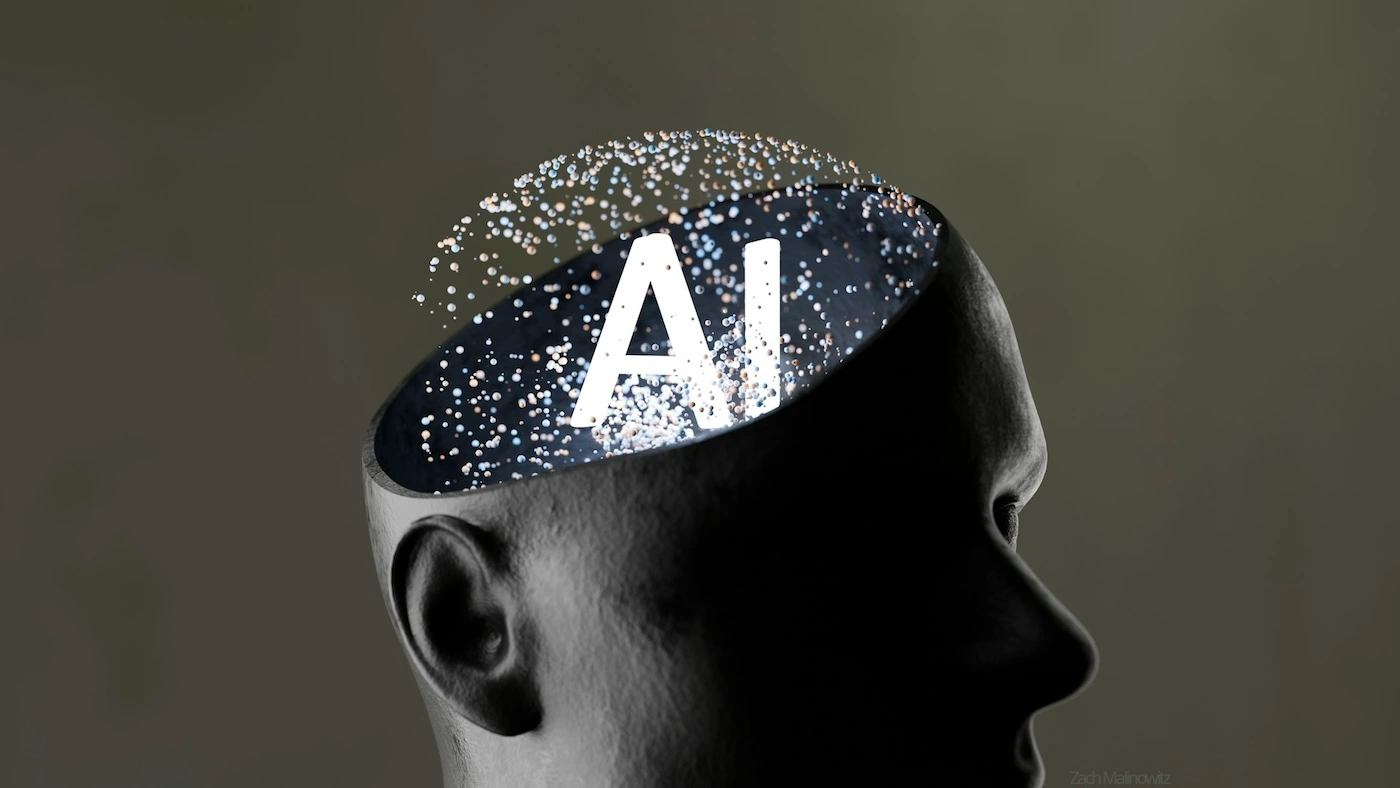
With the rise of AI Agent workflows, many developers this year have started letting AI handle the summarizing and highlight-picking, absorbing WWDC announcements at a much faster pace. Apple has been accommodating too — releasing all Sessions, transcripts, and sample code at once, making it even easier for AI to process everything.
For me personally, what used to be a manual ritual of extracting interface files and comparing old and new APIs has become a single instruction in an Agent workflow. From a pure efficiency standpoint, that’s a real, tangible gain.
But information distilled at speed can’t always capture the nuance and precision that Apple engineers embed in a Session. Many Sessions are still worth sitting down with — carefully, even repeatedly.
AI accelerates how fast you acquire information. It doesn’t deepen how well you understand it. Information flowing into an AI’s context window is not the same as knowledge taking root in your own mind.
Your viewing habits can evolve with the times. Your standards for yourself shouldn’t.
WWDC 2026
Roundups
-
WWDC 26 Group Lab Q&A by Anton Gubarenko
At this year’s Group Labs, Apple engineers answered questions from developers live on stage. Anton has compiled summaries from the Swift, SwiftUI for Beginners, SwiftUI Advanced, Performance, VisionOS, AI, Icon Composer, and Camera and Photo Labs.
-
(Some) Unanswered Swift Group Questions by Matt Massicotte
Time limits and voting mechanics meant not every question at the Swift Group Lab got answered. Matt picked out a selection of those that didn’t make it and offered his own take — covering Swift 6 migration, Approachable Concurrency, default MainActor isolation,
@preconcurrency, Sendable / ~Sendable, and unstructured tasks. -
What’s new in Swift 6.4 at WWDC26 by Khoa Pham
A walkthrough of the Swift 6.4 changes that make code more concise and expressive.
-
What’s Coming in Swift 6.4 by Wade Tregaskis
Wade rounds up the Swift Evolution proposals marked as implemented in Swift 6.4, spanning concurrency, ownership, the standard library, accessors, package management, and compiler diagnostics.
-
What’s New in SwiftData for iOS 27 by Mohammad Azam
SwiftData may not have received a headline-grabbing overhaul this year, but the new enum predicates, sectioned queries, composite predicates,
.codableattribute, andResultsObserverall address real pain points and meaningfully round out the developer experience. -
What is new in SwiftUI after WWDC26 by Majid Jabrayilov
Majid surveys the SwiftUI additions from WWDC26 — many of them long-requested by the community. The one disappointment: with the exception of
@State, most new APIs don’t offer backward compatibility. -
iOS 27: Notable UIKit Additions by Jordan Morgan
SwiftUI keeps moving forward, but Apple hasn’t let up on UIKit either. This year’s UIKit API updates focus mainly on adapting to new system capabilities and aligning with what’s new in SwiftUI.
Documentation
-
A site designed to help developers and AI agents quickly get up to speed on Apple’s developer updates. It offers Session summaries, an Ask AI interface, and a Skill for direct use in code assistants.
-
iOS/MacOS: Apple Beta Doc Retriever by Itsuki
An open-source iOS/macOS app that lets developers browse Beta-tagged documentation and APIs, making it easy to spot what’s changed between OS versions.
-
A comprehensive archive of every Session from WWDC 2020 to today, with linked Sessions, video timestamps, and key code snippets. Also ships a Skill for use with AI tools.
-
A natural-language Q&A search tool for WWDC content. Ask a question, get a concise answer along with the relevant Sessions.
New Features
-
SwiftUI’s @State is now a macro by Artem Mirzabekian
@Statewas originally designed with value types in mind. Once the Observation framework arrived in iOS 17, a gap became apparent:@Statelacked the lazy initialization behavior that@StateObjectprovided for reference types. WWDC26 finally closes that gap. What’s particularly worth noting is that Apple didn’t touch the property wrapper implementation — instead, they introduced a same-named macro to handle the change. This approach may offer a useful blueprint for managing future compatibility challenges. -
WWDC26: The Evolution of Presentation Transitions in SwiftUI by codelaby
SwiftUI gains a
crossFadetransition forsheetandfullScreenCoverin WWDC26. The downside: custom presentation transitions are still not on the table. -
Custom scroll layouts with swipe actions in SwiftUI on iOS 27 by Natalia Panferova
Starting in iOS 27,
swipeActionsis no longer exclusive toList. The newswipeActionsContainer()modifier brings swipe action support toLazyVStack,LazyVGrid, and customLayouttypes inside aScrollView. The newonPresentationChangedcallback also fires when a row’s swipe actions expand or collapse — handy for tracking the active item, syncing state, or triggering additional logic. -
Using Claude with Apple Foundation Models by Artem Novichkov
WWDC26 brings a significant expansion to the Foundation Models framework: beyond Apple’s on-device model,
LanguageModelSessioncan now connect to server-side models conforming to theLanguageModelprotocol. This article demonstrates how to integrate Claude via Anthropic’sClaudeForFoundationModelspackage. -
SwiftUI’s New .prominent Tab in iOS 27 Is Not a Floating Action Button by Sagar Unagar
iOS 27 introduces
Tab(role: .prominent), which gives a tab stronger visual emphasis in the system tab bar. Sagar’s reminder: this is meant to highlight the most important navigation destination in your app — not to replace a Floating Action Button, a navigation bar ”+” button, or an action that opens a sheet.
Issues & Solutions
-
Installing simulator runtimes from the command line by Donny Wals
If you’ve installed Xcode 27 and the iOS Simulator Runtime won’t download through the Xcode UI,
xcodebuildfrom the command line is your workaround. -
Using Xcode 27’s Agent Skills in Claude, Codex, and Cursor by Antoine v.d. SwiftLee
Xcode 27 ships with a set of official Apple-provided Agent Skills covering SwiftUI, UIKit, testing, and more. They can also be exported for use in Claude, Codex, Cursor, and other tools.
Recent Recommendations
-
Swift at Apple: Migrating the TrueType Hinting Interpreter by Scott Perry
Apple’s team shares their experience rewriting the TrueType hinting interpreter from C to memory-safe Swift: the new implementation is pixel-identical to the original while running 13% faster on average. The article goes deep on noncopyable types, Span, and projection types as tools for system-level performance work.
The TrueType hinting interpreter is the bytecode engine embedded in TrueType fonts. It reads hinting instructions and adjusts glyph control points accordingly, helping text render more crisply at specific sizes and on lower-resolution pixel grids.
-
Scaling iOS application development with Tuist by Michael Gerasymenko and Ashutosh Dubey
The Delivery Hero Logistics team shares how they used Tuist to scale a large iOS codebase — keeping their Xcode and Swift Package Manager workflow intact while adding Swift-defined project structure, explicit dependency graphs, binary caching, and selective testing. The result: local clean build time dropped from 2.5 minutes to 0.5 minutes, with CI builds and unit test runs cut by 2.5x.
The real point of the article isn’t “Tuist makes builds faster.” It’s about how Tuist helps teams make large iOS projects more maintainable.
-
Keeping Up With Swift Forums Using Codex by Alejandro Martinez
Alejandro walks through building a personal workflow that automatically tracks Swift Forums activity every day using Codex Automations and a Swift CLI: the CLI handles forum data and state sync, while Codex takes care of understanding context, generating summaries, and driving further exploration. A practical example of “AI-driven, programs as tools” automation design.
-
Apple officially released Container 1.0 a few days ago. As an OCI container solution built for Apple silicon, it offers stronger isolation, faster startup, and a more native macOS experience compared to Docker. That said, the ecosystem is still young, and tooling continues to mature.