
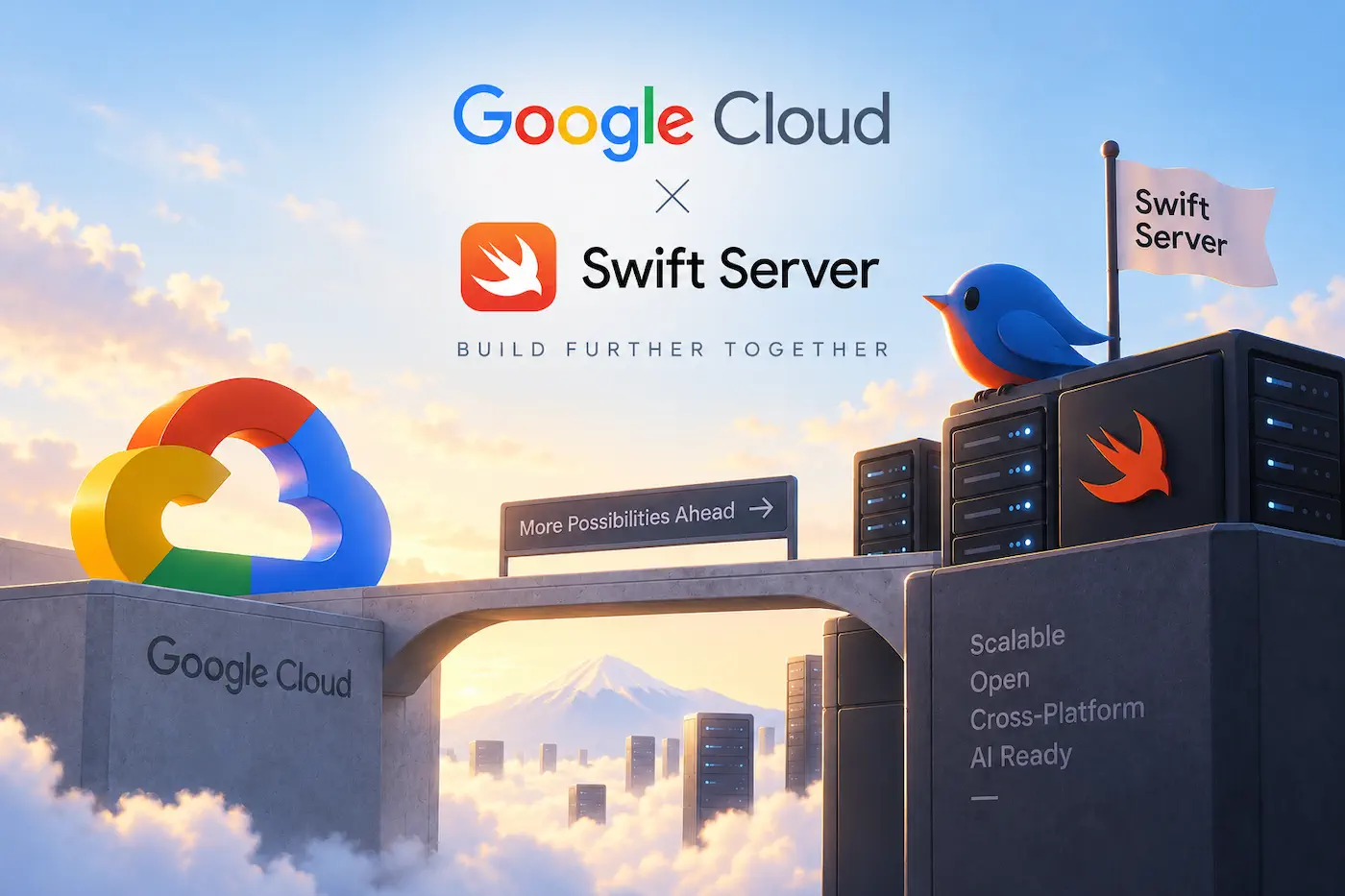
Last week, Google Cloud introduced a Swift SDK for server-side development. It covers more than a hundred Google Cloud services, including Cloud Storage, IAM, Secret Manager, and AI, while providing essential cloud capabilities such as authentication, retries, and pagination. Google is very clear about its positioning: this is a Swift SDK built for servers, containers, and DevOps, not a client-side tool for iOS apps to access cloud services directly.
Unlike the mobile Firebase SDK, which largely provides modern Swift APIs on top of an existing foundation, this server-side SDK was designed from the outset for modern Swift and server-side use cases. When used with Vapor or Hummingbird, it allows developers to access core GCP resources and AI services such as Gemini in a more native way that fits naturally with Swift’s concurrency model.
The announcement has been met with both excitement and caution from the community. But I don’t think there’s any need to celebrate it as “Google finally recognizing Swift.” The involvement of a large company has never been a guarantee of long-term commitment. A decade ago, IBM invested heavily in server-side Swift and led the development of Kitura, only to gradually step away. Google’s own heavily backed Swift for TensorFlow project has also long since ceased development. These precedents remind us that the arrival of another tech giant is hardly a reason to declare the beginning of some new era for Swift Server.
Google is now willing to bring Swift into its official Cloud API Client Libraries ecosystem and take on the long-term, unglamorous work of API updates, code generation, authentication, compatibility, and more. Rather than seeing this as a new beginning for Swift Server, I think it makes more sense to view it as a natural outcome of years of development.
Swift today is also very different from what it was a decade ago. It has accumulated years of development across server-side use cases, Linux, networking, and other areas, while more recently continuing to expand toward platforms such as Windows and Android. Its cross-platform capabilities no longer depend on the efforts of any single company, nor are they merely experiments taking place outside Apple’s ecosystem.
Perhaps what is truly worth celebrating is precisely that Google Cloud supporting Swift no longer feels all that surprising. Once a language and its ecosystem reach a certain level of maturity, official support from a major cloud provider should simply be a normal part of its development.
In any case, welcome aboard, Google.
This Week’s Sponsor
Transcribatron —— on-device meeting notes for developers
$8.99 once. No subscription, no account, no backend. Transcribatron transcribes on-device, syncs two-way with your Obsidian vault, and ships an MCP server so Claude Code can query your meetings. Use your own API key or a local model.
Original
Letting AI See SwiftUI: Xcode Preview MCP in Practice — Pitfalls and Hopes
Xcode 26.3 marked the first time Apple opened its own capabilities to external agents through MCP. Many of those capabilities were already reachable through the CLI, but Preview rendering was entirely new. Xcode 27 went a step further with a headless MCP server, making these tools even easier to call, so I wove Preview rendering deeply into my AI workflows. Along the way I ran into a few pitfalls, and came away with some reflections and hopes.
Recent Recommendations
Using Swift’s ‘some’ keyword beyond SwiftUI
The widespread use of some View has led many developers to overlook the potential of some in other contexts. John Sundell brings it back into the context of Swift generics and API design, demonstrating its uses and advantages in both parameter and return positions. For example, in a parameter position, func saveToWatchLater<T: Sequence>(_ videos: T) can be simplified to func saveToWatchLater(_ videos: some Sequence<Video>).
Beyond that, some can provide a statically determined return type without exposing the concrete implementation type, making it possible in some cases to avoid introducing AnyXXX-style type erasure simply to hide implementation details.
Iterative data loading in Swift
When a screen needs to make dozens of asynchronous requests, striking a balance between loading data and providing timely UI feedback is not easy. Majid Jabrayilov uses AsyncSequence to divide data loading into multiple stages, returning the accumulated results after each step so that the UI can update progressively as data arrives. Within each stage, related requests can still be performed concurrently using async let. For data-heavy screens, iterating between stages while running tasks concurrently within each stage can be an effective approach.
Modifier Order Is Matrix Order
SwiftUI developers know that the order of Modifiers affects the final result, but this understanding often remains rooted in practical experience rather than rigorous theory and logical verification. Mihaela Mihaljević Jakić reexamines the execution order of Modifiers such as offset, rotationEffect, and scaleEffect from the perspective of matrix transformations. By comparing actual rendering results from ImageRenderer with calculations using CGAffineTransform, she turns this rule of thumb into a principle that can be understood and derived through matrix operations.
Rules can evolve into algorithms, and algorithms can reduce the cost of generation and verification. Mihaela’s article does more than explain “how it should be written”; it also verifies “whether SwiftUI actually works this way.” The results may have applications that extend even further.
How to reduce token usage in Claude Code, Codex, and Cursor
Compared with writing code, analyzing logs and locating errors are areas where AI Agents can demonstrate their strengths even more clearly. But complete command output consumes more tokens and takes up valuable context space. Antoine van der Lee introduces a simple but effective optimization: instead of exposing an Agent directly to complete, unprocessed command output, filter and compress it with scripts or tools before it enters the context, retaining only the information that is genuinely useful for making the next decision.
Daniel Saidi shares a similar practice, significantly reducing Claude Code’s token usage by optimizing Xcode Build output. As Agents work for longer periods and take on larger tasks, reducing this redundant information that is “generated by machines and consumed by machines” may gradually become an area worth optimizing in its own right within Agent workflows.
Automating accessibility audits for SwiftUI apps with XCTest
When these accessibility testing APIs were designed, the team behind them probably did not anticipate that they would find an even broader range of applications in the AI Agent era. Natascha Fadeeva demonstrates how to use performAccessibilityAudit in UI Tests to automatically check common accessibility issues such as contrast, element descriptions, Hit Region, and Dynamic Type, while limiting audit types and filtering known issues to incorporate these checks into an ongoing automated testing workflow.
Rather than asking a model to determine on its own whether an interface meets accessibility requirements, a clear and repeatable verification mechanism provided by the system allows an Agent to proactively run checks after modifying the UI and continue adjusting the code based on the results.
Some Thoughts on Development - Code Review
As the amount of code an Agent can generate in a single pass continues to grow, whether to review it and how to review it have become questions every developer has to confront. Wei Wang argues that in the AI era, Code Review should move away from code as the intermediate artifact and toward both ends of the process: upward into requirements and specs, ensuring that the goals, boundaries, and acceptance criteria understood by the Agent align with the human’s actual intent; and downward into the final product, using evidence such as tests, screenshots, and screen recordings to confirm that the implementation truly meets the requirements. The code in between, meanwhile, can increasingly be left to Agents to review one another. The article also demonstrates the Review Loop that the author uses in Prowl, where different Agents cycle through implementation, review, fixes, and re-review until the exit conditions are met.
WWDC 2027 Wishlist
You read that right. Harshil Shah has written down his hopes for next year’s WWDC 2027 more than half a year in advance. His wishlist covers SwiftUI, cross-device syncing, photo permissions, Liquid Glass, Camera, TestFlight, Xcode, Apple Watch, and more. His questions about the long-term relationship between SwiftUI and UIKit are particularly thought-provoking: now that AI Agents have dramatically reduced the cost of writing code, is SwiftUI’s concise syntax still as important an advantage as it once was? And with Apple continuing to introduce new capabilities for both UI frameworks, is their long-term coexistence and interweaving simply the future?
Tools
Argent: Let AI Coding Assistants Participate in App Runtime and Verification
Argent is an open-source tool from Software Mansion that brings simulator interaction, runtime inspection, and native performance profiling together in a single toolset. It also supports recording and replaying interaction flows, allowing AI assistants to follow the same path when comparing behavior before and after a change.
In addition to performing taps, swipes, text input, and screenshots, reading the interface hierarchy, reproducing issues, and verifying changes, Argent integrates native performance profiling based on Xcode Instruments. It provides information about CPU hotspots, UI stalls, memory leaks, and more, giving code improvements actual runtime data to work from.
Argent uses mixed licensing: the source code is licensed under Apache 2.0, while some native binary components use a proprietary license.
App Store Screenshots Generator
App Store Screenshots, developed by Parth Jadhav, is a Skill designed for AI Agents that can generate an editable store screenshot editor from app information and raw screenshots, then export all the sizes required by the App Store and Google Play.
It provides 18 preset visual styles, supports continuous canvases spanning multiple screenshots, device frames, multiple languages, and RTL, and covers devices including iPhone, iPad, Mac, Apple Watch, Apple TV, CarPlay, and Android. Rather than producing one-off static images, it generates an interactive Next.js-based editor, allowing developers to continue adjusting copy, layouts, and assets, while saving the project state for further revisions.
Survey
Survey on AI Coding Tool Usage Among Apple Developers
SwiftGG is conducting a survey on AI coding tool usage among developers in the Apple ecosystem, aiming to understand developers’ real-world usage habits, how these tools are changing their workflows, and what they expect from future development experiences. The results will be compiled into a report and shared publicly with the developer community.
If you’re using Xcode along with various AI Coding tools, consider spending around 15 minutes sharing your real-world experience. Broader participation will help the final data more accurately reflect how Apple developers actually work in the AI era.